

Add a new phone number
Click Phone Management
- From the left-hand navigation, select “Phone Management” under Workspace Settings,
- If you don’t see
Phone Managementyou may not have access. Speak with your account administrator for more details.
- If you don’t see
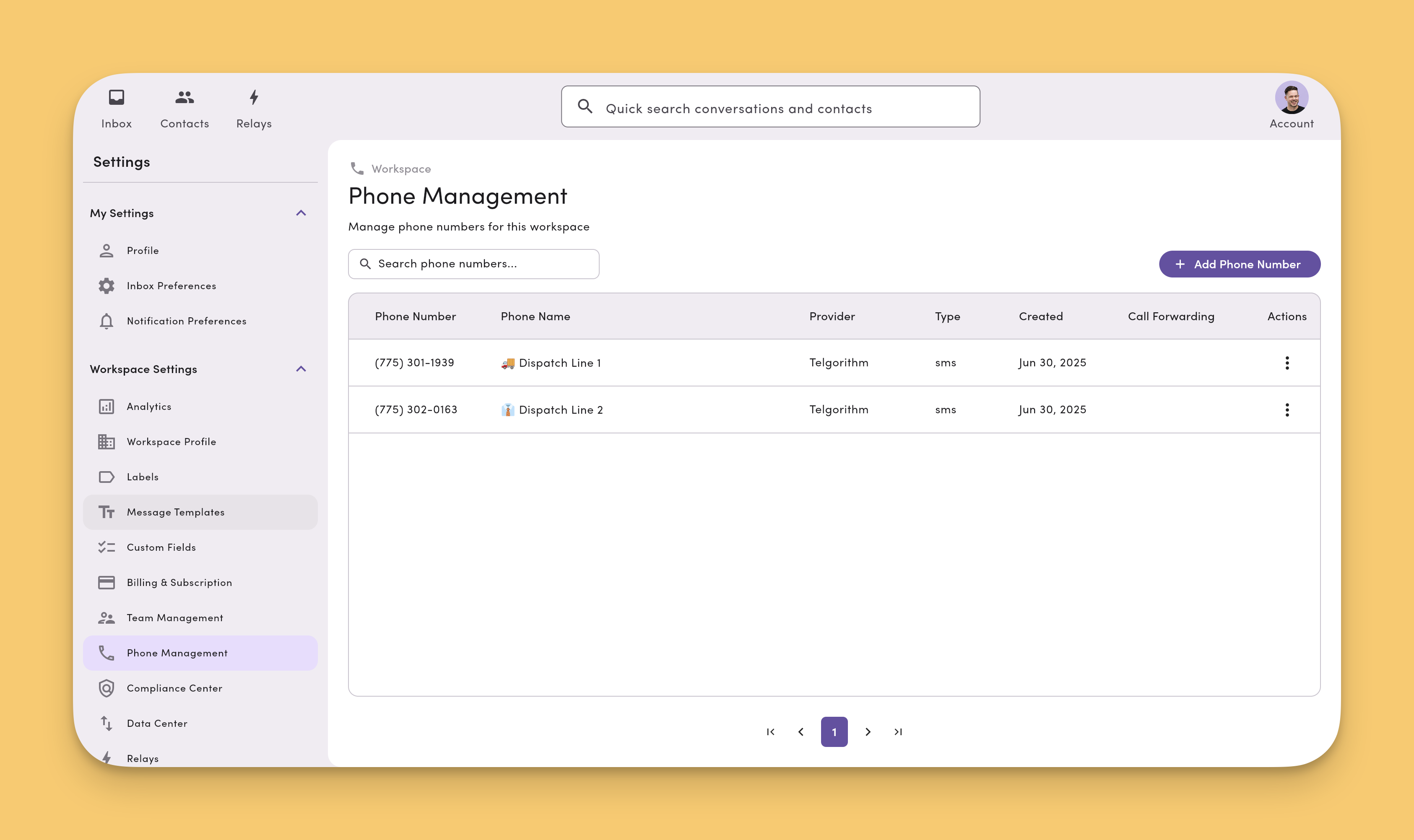
Add Phone Number you’ll see the following dialog. You can select any option.
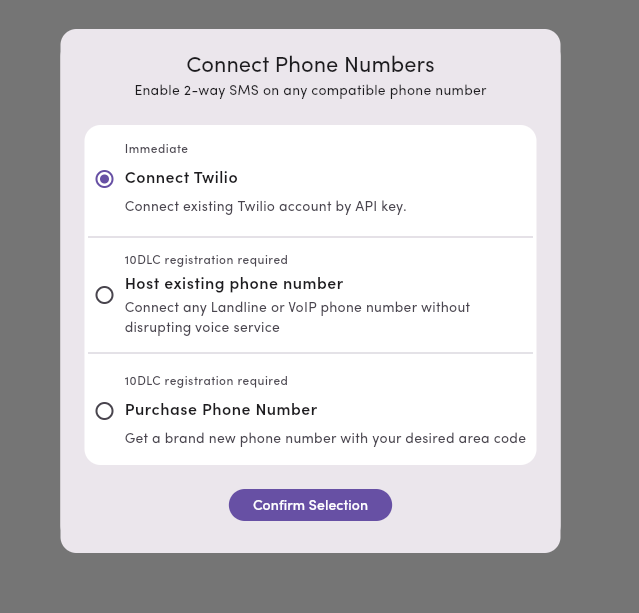
If you haven’t already completed carrier registration
Carrier registration is required for texting with MessageDesk. If you haven’t already completed this process, you’ll be prompted to do so first. Learn how to submit your carrier registration submission.Toll-free numbers use a separate verification process from the A2P 10DLC campaign registration that local numbers require. To start a toll-free verification, email support@messagedesk.com.
Related
- Host an existing number — add texting while your voice service stays put
- Port a number to MessageDesk — move voice and texting together
- Phone Management — track status and manage connected lines